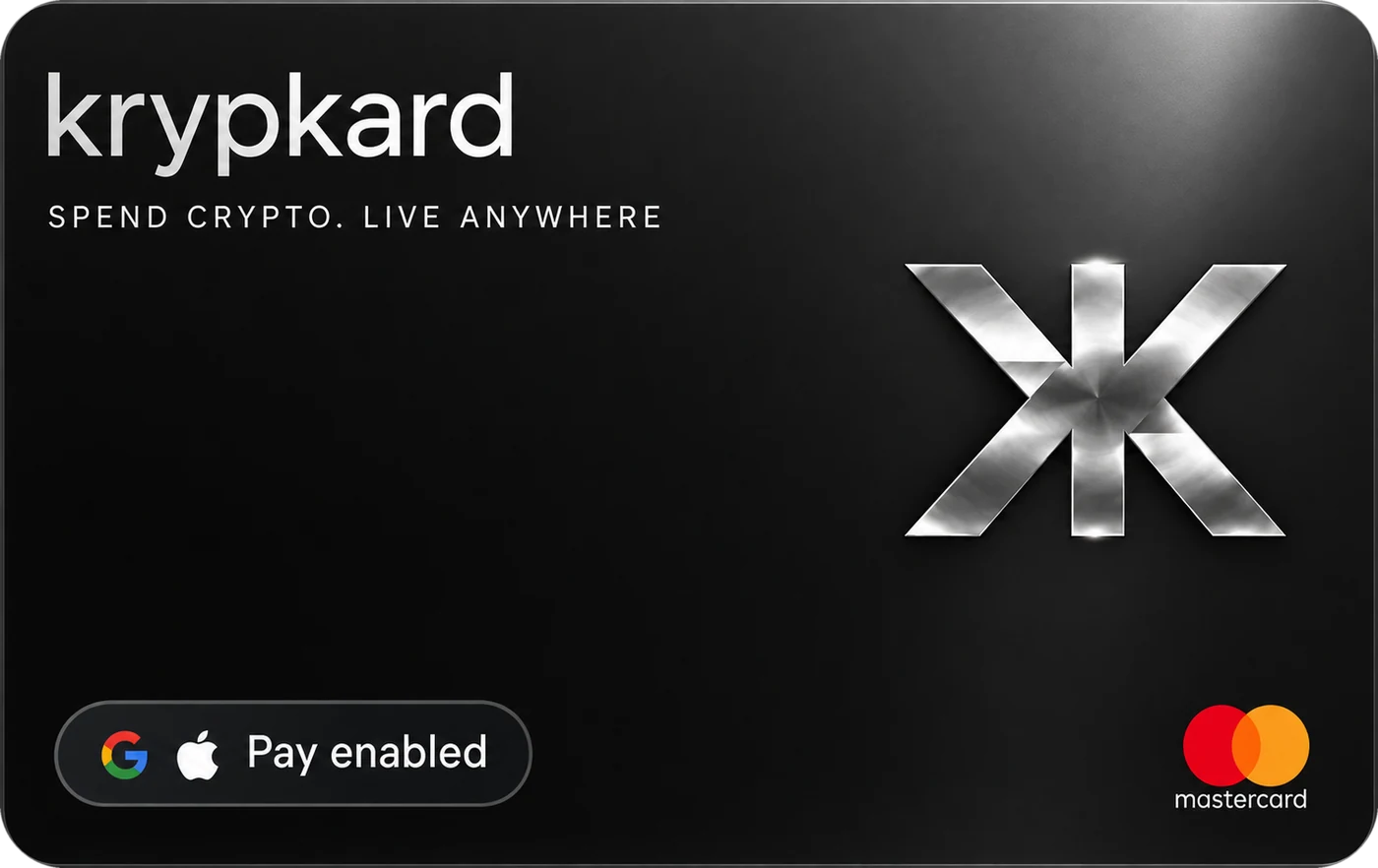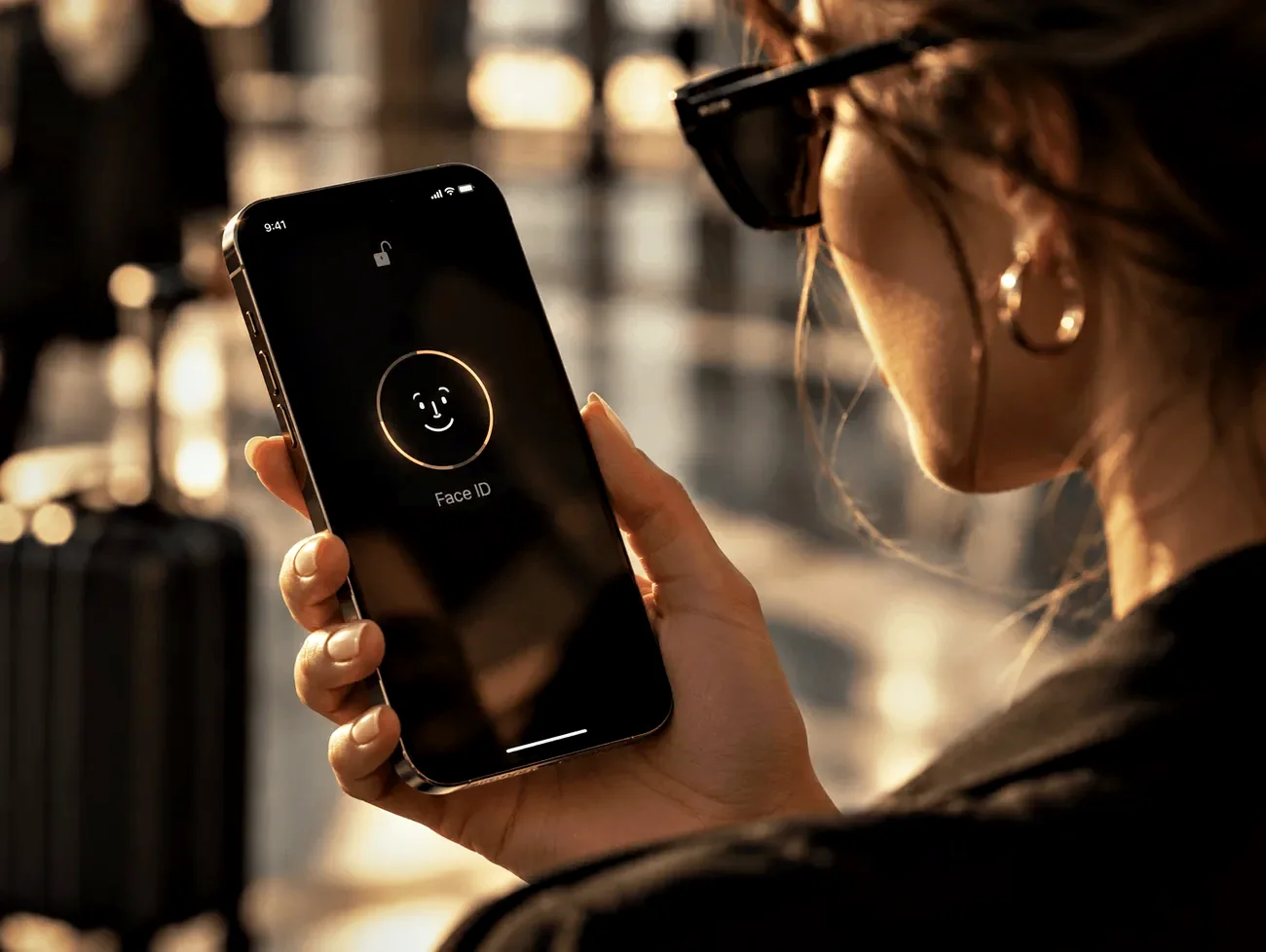
Your crypto, in your wallet.
Add Krypkard to Apple Pay or Google Pay the moment your virtual card is issued. Tap your phone or watch in 200+ countries and pay from your USDT or USDC balance.
- Just your ID
- Live within 24 hours
- Cancel any time
Add Krypkard to Apple Pay or Google Pay
Get your virtual card
Apply with your ID. Your virtual card is issued once you are approved, within 24 hours at most.
Add it to your wallet
Open Apple Wallet or Google Wallet, choose add card and enter your Krypkard card details, which are shown securely in your account.
Tap to pay
Hold your phone or watch to any contactless terminal. The amount is converted from your USDT or USDC balance at the moment you pay.
Why a crypto card with Apple Pay changes things
Until recently, spending crypto meant waiting for a plastic card to arrive and hoping it worked abroad. With Apple Pay and Google Pay, your Krypkard is usable the day it is approved, and your card number never leaves your phone's secure element when you pay.
- Instant. No waiting for the post. The metal card follows, but you are spending straight away.
- Safer at the till. Apple Pay and Google Pay use a device-specific token, so the merchant never sees your real card number.
- Backup when you need it. If your metal card is lost, freeze it in one tap and keep paying with your phone while a replacement ships.
- Works everywhere contactless does. Transport gates, taxis, cafés and supermarkets in 200+ countries.
Apple Pay is a trademark of Apple Inc. Google Pay is a trademark of Google LLC. Availability of the wallets depends on your device and region.
In your wallet within 24 hours.
Apply with your ID and add Krypkard to Apple Pay or Google Pay the moment it is issued.
Supported devices and wallets
| Wallet | Devices | Where it works |
|---|---|---|
| Apple Pay | iPhone, Apple Watch, iPad and Mac for online checkout | Contactless terminals, in-app and web checkouts that show the Apple Pay button |
| Google Pay | Android phones and Wear OS watches | Contactless terminals, in-app and web checkouts that show the Google Pay button |
| Krypkard metal card | Physical card, shipped to you | Chip and PIN, contactless and ATMs |
Apple Pay and Google Pay questions
Yes. Add your Krypkard virtual card to Apple Wallet as soon as it is issued and pay from your USDT or USDC balance with your iPhone or Apple Watch.
Yes. Add the card to Google Wallet on Android and pay contactless with your phone or Wear OS watch.
No. The virtual card is issued first, usually the same day and within 24 hours at most, so you can add it to your wallet and start paying immediately. The metal card is shipped to you.
Apple Pay and Google Pay use a device-specific token instead of your real card number, so the merchant never sees your details. Both methods are protected by your Krypkard security settings, alerts and one-tap freeze.
No. Apple Pay and Google Pay are included in every Krypkard plan.
Apple Pay and Google Pay availability depends on your device and region. Where the wallet is available, Krypkard works at any contactless terminal that accepts your card network.
Apple Pay is a trademark of Apple Inc. Google Pay is a trademark of Google LLC. Krypkard is not affiliated with Apple or Google. Product availability is subject to jurisdictional limitations.
Related pages
In your wallet within 24 hours.
Apply with your ID, add Krypkard to Apple Pay or Google Pay and tap to pay with USDT or USDC.